In this post, I aim to explain my solution for the “SansAlpha” challenge from PicoCTF 2024’s “General Skills” category.
We are given a shell where no alphabetical characters seem to be working. Running a command that contains a letter gives you an error message:
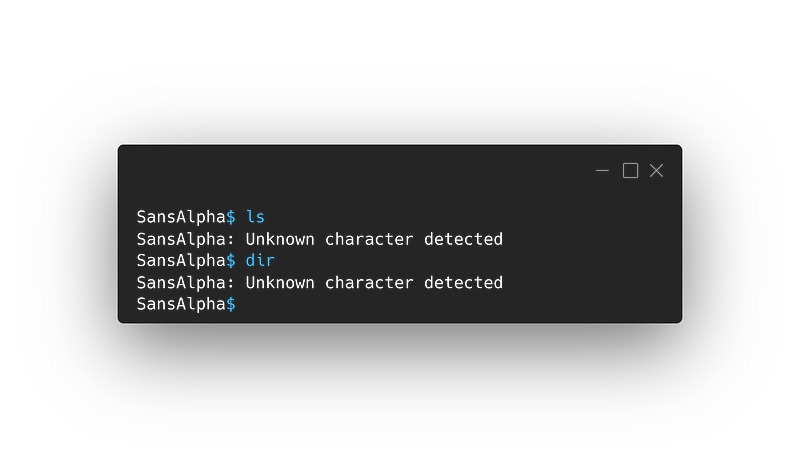
Our goal is simple: capture the flag. But how? You may ask. Fear not, you’re in the right place. Buckle up, it’s going to be a thrilling ride.
Investigation
Let’s get to know our environment a little better. Entering * into our shell, we get: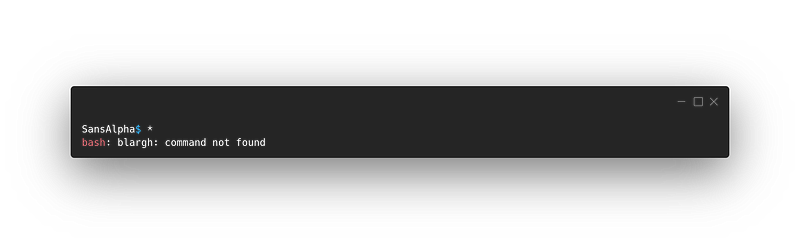
Pretty interesting!
Why did you run
*? and why did it produce that error?
Well, simply put, it is just bash globbing! when I entered * the shell interpreted it as ‘every file and directory in the current directory’. It attempted to execute the first file or directory it found and passed all the other files and directories in the current directory as arguments, this YouTube video from LiveOverflow about another somewhat similar challenge explains the idea pretty well:
{{ youtube 6D1LnMj0Yt0 }}
Now that we know what the * means here, we can understand what the error means. bash: blargh: command not found As you might have guessed, our shell tried to execute the first file or directory it found, which happened to be named “blargh”.
Cool! Now what?
Let’s see if we can find more files!
There’s this special bash variable $_that we can use to look at the last argument given to the previous command.
When input it into our shell we get:
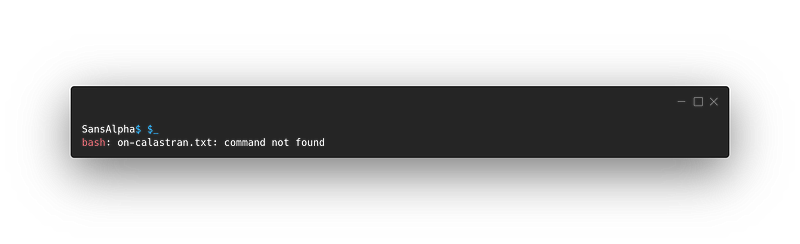
We’ve found another file! but it doesn’t seem to be our flag.
Still useless
Don’t be hasty my friend, Let’s dig a little deeper. How about we see if we can find any other files or directories near us? Let’s look for files and directories inside subdirectories!
running ./*/* gives us: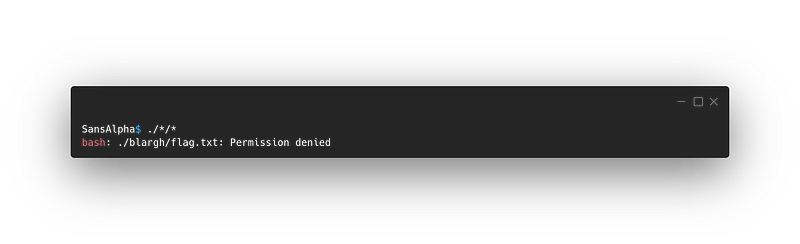
Alright! We found something interesting here! This appears to be the flag file!
Now let’s rewind
What did you do?
I ran
./*/*But why?
well, the ./ means “look in the current directory”, the current directory being the directory we are in right now. Note: The ./ is not necessary for this situation since even if we omit it here (i.e. we write only */* ) we would also be looking in the current directory.
What about the
*/*?
Simply put, this looks for files and directories stored inside subdirectories of our current directory. It tries to execute the first one it found and passes all the other files and directories it found as arguments.
What did it find first?
flag.txtwhich is inside theblarghfolder.
Well done!
But how are we going to get the content of flag.txt without using letters?
Remember that on-calastran.txt file? Conveniently, its name has all the letters of the command cat.
If only we could just get the letters from it.
Wait! We actually can!!
Enter Shell Parameter Expansion
While I was researching, trying to find I way to solve this challenge, I stumbled upon this post:
[https://www.commandlinefu.com/commands/view/11704/launch-bash-without-using-any-letters]
It showed a neat trick the author used to run bash without using any letters. I found that interesting since that’s very similar to what I needed. I needed to somehow launch a program without using letters, so I researched more about the syntax he was employing and found out that he was using something called “Shell Parameter Expansion”. Fancy name I must say! Anyway, I looked for documentation and found this:
[https://www.gnu.org/software/bash/manual/html_node/Shell-Parameter-Expansion.html]
After skimming it, one thing caught my eye:${parameter:offset:length}
This is referred to as Substring Expansion. It expands to up to length characters of the value of parameter starting at the character specified by offset. If parameter is ‘@’ or ‘’, an indexed array subscripted by ‘@’ or ‘’, or an associative array name, the results differ as described below. If length is omitted, it expands to the substring of the value of parameter starting at the character specified by offset and extending to the end of the value. length and offset are arithmetic expressions (see Shell Arithmetic).
If offset evaluates to a number less than zero, the value is used as an offset in characters from the end of the value of parameter. If length evaluates to a number less than zero, it is interpreted as an offset in characters from the end of the value of parameter rather than a number of characters, and the expansion is the characters between offset and that result. Note that a negative offset must be separated from the colon by at least one space to avoid being confused with the ‘:-’ expansion.
This allows us to take a string and get whatever part we want from it, which is awesome! We can now take all the letters we need from the string on-calastran.txt
But how do we use it?
So remember our $_ variable? when we looked at its value after running * we found that it had the string “on-calastran.txt” so, we can just use our new trick to get letters from it, like this: ${_:3:1}
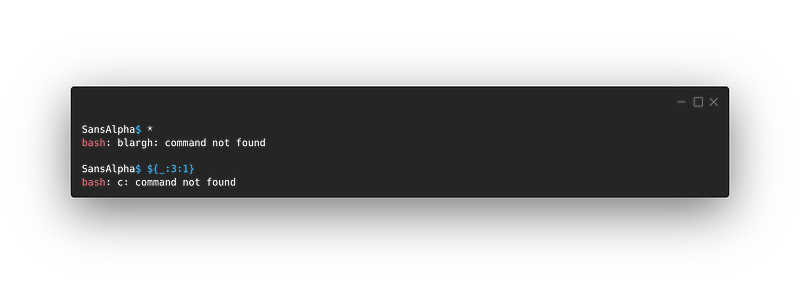
We’ve got a “c”!
Whoa there! What’s that?
Don’t panic, I’ll explain. So we took the value of the $_ variable (hence ${_ ) and we got the letter at the index 3 (that’s why we wrote :3) (Note: indices start at 0). As for the :1, it means that I want to take only 1 letter. Lastly, we close our expression with }.
Now for the “a”: We have “a” at the 5th position, but since indices start at 0 we write 4:
${_:4:1}
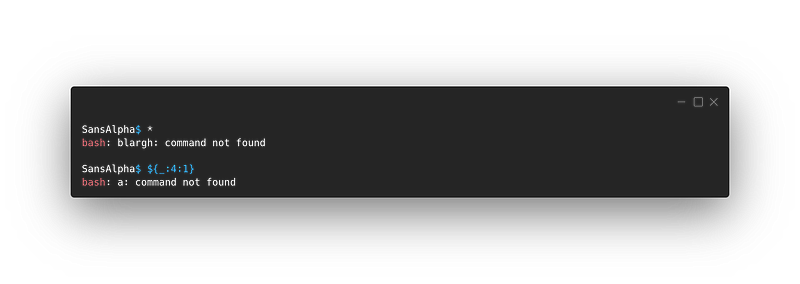
And we can get a “t” with:${_:8:1}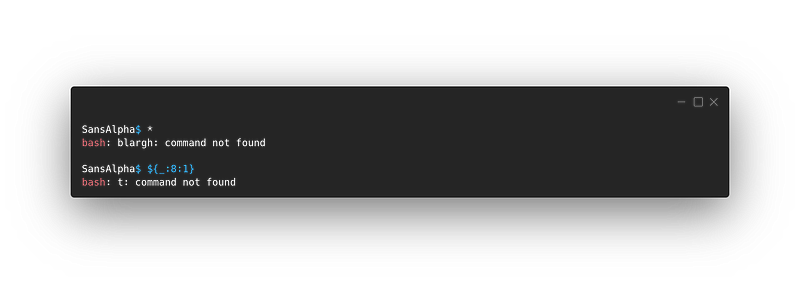
Now we know how we can write cat: ${_:3:1}${_:4:1}${_:8:1}
Note: for us to get the right letters, we have to run * first so that the value of $_ would be “on-calastran.txt”.
Now that we have cat, Let’s use it: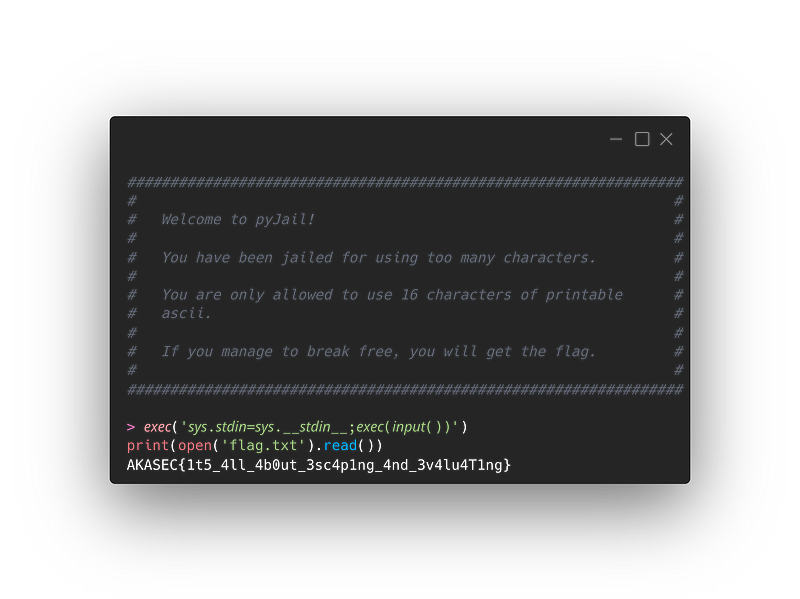
So what did you do here?
- First, I ran
*to get theon-calastran.txtvalue on$_. - Then, I instructed
cattocatevery file inside every subdirectory in our current directory (hence the./*/*).
And now we have our flag!
Hope you enjoyed this ride and learned something new!